In this guide10 questions answered
- What does "suspended" or "disabled" actually mean?
- What are the common causes of a suspension?
- What should you not do?
- Step 1: Read the notice carefully
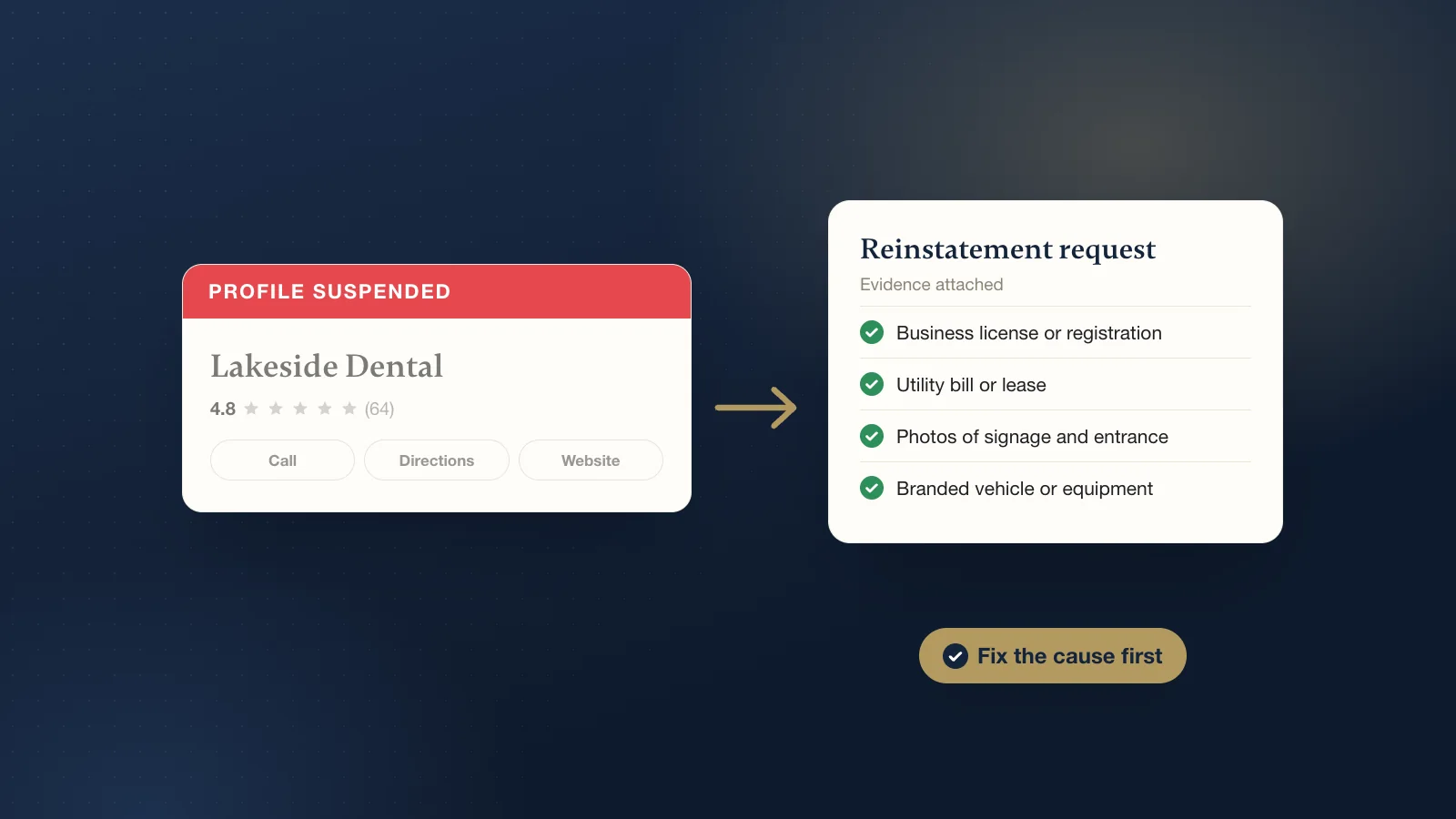
- Step 2: Fix the cause first
- Step 3: Gather your evidence
- Step 4: Submit one clear appeal
- Step 5: Wait, and follow up the right way
- What happens after the profile is reinstated?
- Want help with it?
If your Google Business Profile is suspended, it usually means Google thinks something on it breaks its guidelines, often the name, the address or a duplicate listing. The fix is to find the cause, correct it, then submit one appeal through Google's appeals tool with evidence that your business is real and operates where you say. Do not create a new profile while you wait.
What does "suspended" or "disabled" actually mean?
Google's help pages say it may suspend or disable profiles that do not follow its guidelines, and that these profiles will not show to other people until the issue is resolved. Google does not spell out every difference between the two words, so be careful with anything that claims to know exactly what yours means.
In practice, owners tend to see one of two situations. In the milder one, the profile may still appear on Search and Maps, but you cannot edit or manage it. In the more serious one, the profile is gone from Search and Maps until an appeal succeeds. Either way, the route back is the same: fix the problem, then appeal.
One more case to know about. If the Google account itself is restricted, Google says every profile it manages is suspended. You then appeal the account first, from your Google account's restrictions page, and the profile after that.
What are the common causes of a suspension?
- Keywords in the business name. Google's guidelines say adding taglines, phone numbers or location details to the name can lead to suspension. Use the name on your sign and paperwork.
- An address Google does not accept. Google does not allow PO boxes or remote mailboxes, which includes UPS Store style mailbox addresses. A virtual office you do not work from is not eligible. A coworking space only counts if you have clear signage, staff it, and receive customers there during your hours.
- A service area set up wrong. If customers do not come to you, Google wants the address hidden and a realistic service area. Showing a home address as a storefront, or listing a huge area, can cause trouble.
- Duplicate profiles. Google's rule is one profile per business. A second profile for the same location, even an old forgotten one, is a common trigger.
- A big edit. Changing the name, address or main category, or making many edits at once, can make Google take a fresh look and sometimes suspend.
- Fake or incentivized reviews. Google treats paying for reviews, or offering discounts or freebies for them, as fake engagement. It can remove the reviews and restrict the profile.
- A business type Google restricts. Google says a business must make in-person contact with customers during its stated hours. Online-only businesses and lead generation companies are not eligible, and some categories face extra rules.
What should you not do?
- Do not create a new profile. Google says plainly not to create a new Business Profile for the same business. A second profile can make the problem worse.
- Do not keep editing. Constant changes to a suspended profile make it harder to review. Make the fixes you need, then stop.
- Do not buy reviews, or ask friends to flood you with them. Unusual review patterns are one of the things Google looks for.
- Do not rush the appeal. Google says appeals can only be submitted once per decision, so get it right before you press submit.
Step 1: Read the notice carefully
Check the email Google sent to the account that manages the profile, including spam. Then open Google's Business Profile appeals tool, which you can find from your profile or in Business Profile Help. Google says it shows the date of the decision, the reason, a link to the policy you broke, whether you can appeal, and the status. That reason is your starting point.
Step 2: Fix the cause first
Appealing without fixing anything rarely helps. Strip extra words from the name. Replace an ineligible address, or switch to a hidden-address service-area setup if customers do not come to you. Find and deal with any duplicate. Make your name, address and phone match your website, your signage and your main listings. If a review campaign broke the rules, stop it.
Step 3: Gather your evidence
Google lists evidence that can help an appeal, including:
- Official business registration
- A business license, or a professional license for licensed trades
- Tax certificates
- Utility bills, such as electric, phone, water or internet
A recent lease showing the business name and address can help too. Photos are useful for showing the business is real: your permanent signage, the storefront and street, and the inside of the shop. If you go to your customers, photos of your branded vehicle and equipment help. Google says the name and address on your documents should match your profile, so check that before you upload anything.
Step 4: Submit one clear appeal
In the appeals tool, select the profile and the decision, attach your evidence, and use the text box to explain in a few plain sentences what the business is, where it operates and what you fixed. Keep it short and factual. Then confirm and submit. Google says it will review the appeal and email you the decision.
Step 5: Wait, and follow up the right way
Google says appeal reviews can take up to 5 business days, and asks you not to submit multiple appeals for the same issue before you hear back. In practice some cases take longer. If you are denied, Google says it may do an additional review if you can provide evidence you did not include the first time. Use that route rather than starting over, and keep every reply in the same thread so your case stays in one place.
What happens after the profile is reinstated?
Google says a reinstated profile comes back with its owner and managers. In our experience, reviews and photos usually come back with it, though it may take a little while for everything to show again. Google may also ask you to verify the profile again, so keep your documents and photos handy. After that, leave it alone for a bit. Make any further changes one at a time, keep the name clean, and keep your details the same everywhere. If something still looks wrong after reinstatement, contact Business Profile Help.
Want help with it?
Our Google Profile Rescue is $399 once. We find the cause, fix the profile, prepare the evidence, handle the appeal and follow-ups with Google, then set the profile up properly. Google makes the final decision, so we promise every step, not the outcome. If the problem turns out to be verification rather than a suspension, our guide to "No more ways to verify" covers that route. Not sure which it is? Start with our free listing check.